Feature Spotlight: Your Story, Illustrated
Feature Spotlight: Your Story, Illustrated
The Timekeeper · 2026-10-18
Most text adventures leave nothing behind. You play for an evening, survive a plague winter in 1348 London or navigate a midnight crossing to Dunkirk, and then it’s gone: a scrollback you’ll never scroll back through.
We wanted your campaigns to be something you can actually keep. So, this update is all about pictures, and about turning the story you lived into something you can hold.
The Story Book:
Open the menu (top right) in your story and choose Story Book. Your game so far is laid out as a proper book:
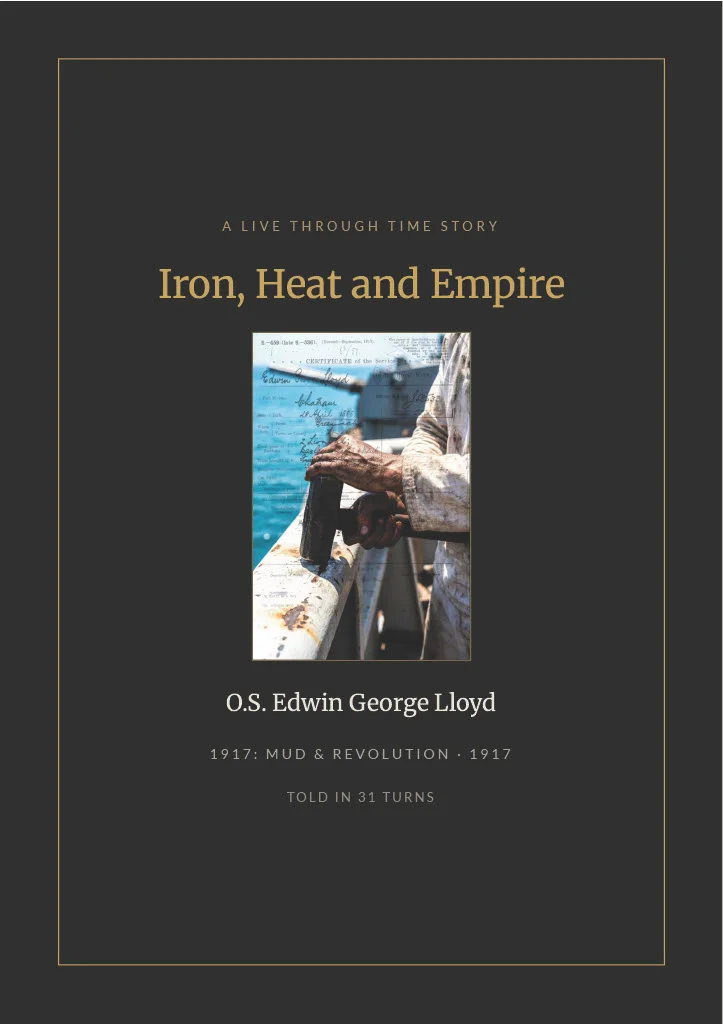
- Cover: Your story’s title, world setting, character name, and primary campaign poster.
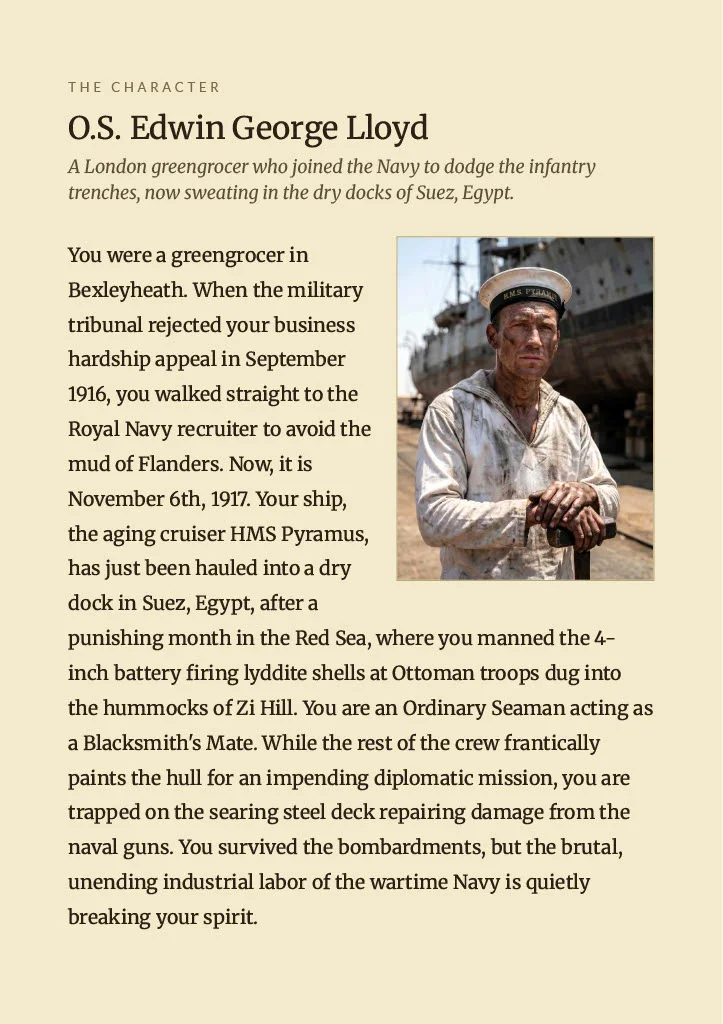
- Dossier & Relationships: Your character’s portrait, biography, and initial standing with the cast in their own words.
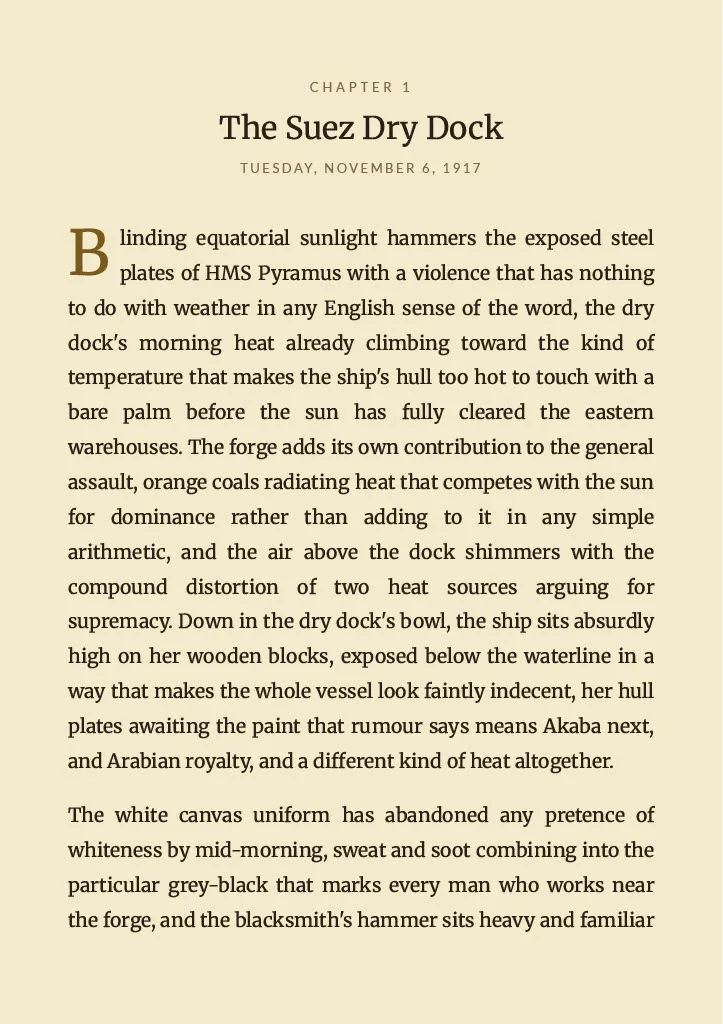
- Chronological Chapters: In historical eras, each in-game day forms a distinct chapter (headed by date and micro-location). In mythological and unbound stories, chapters automatically paginate every eight turns.
- The Narrative Record: The story as it unfolded—blending the narrator’s prose with your exact inputs between scenes.
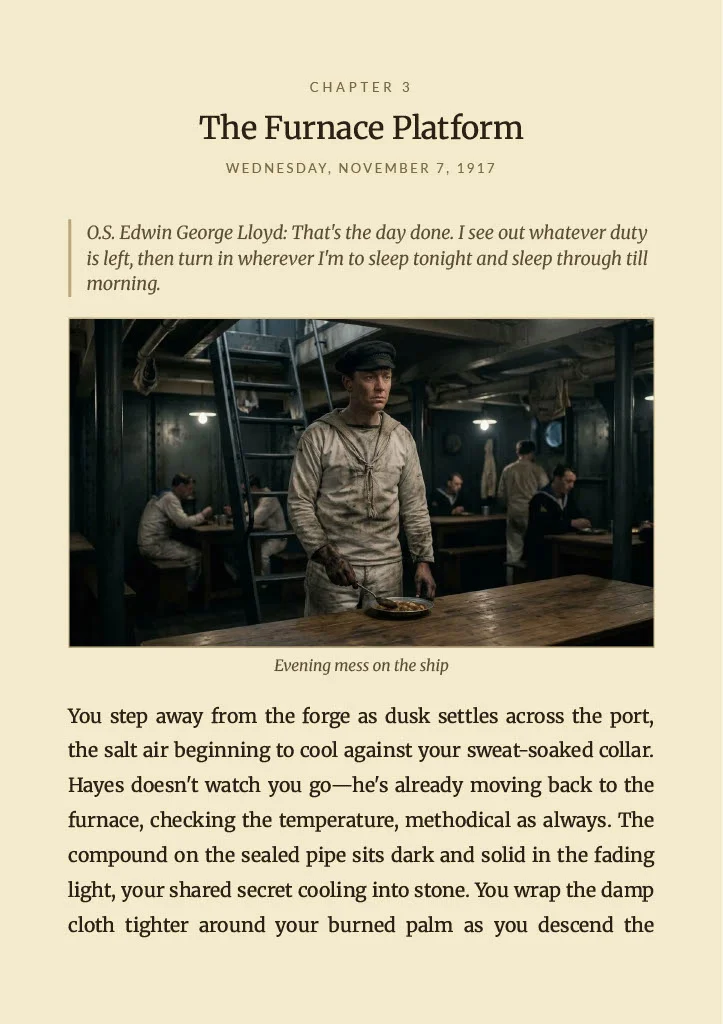
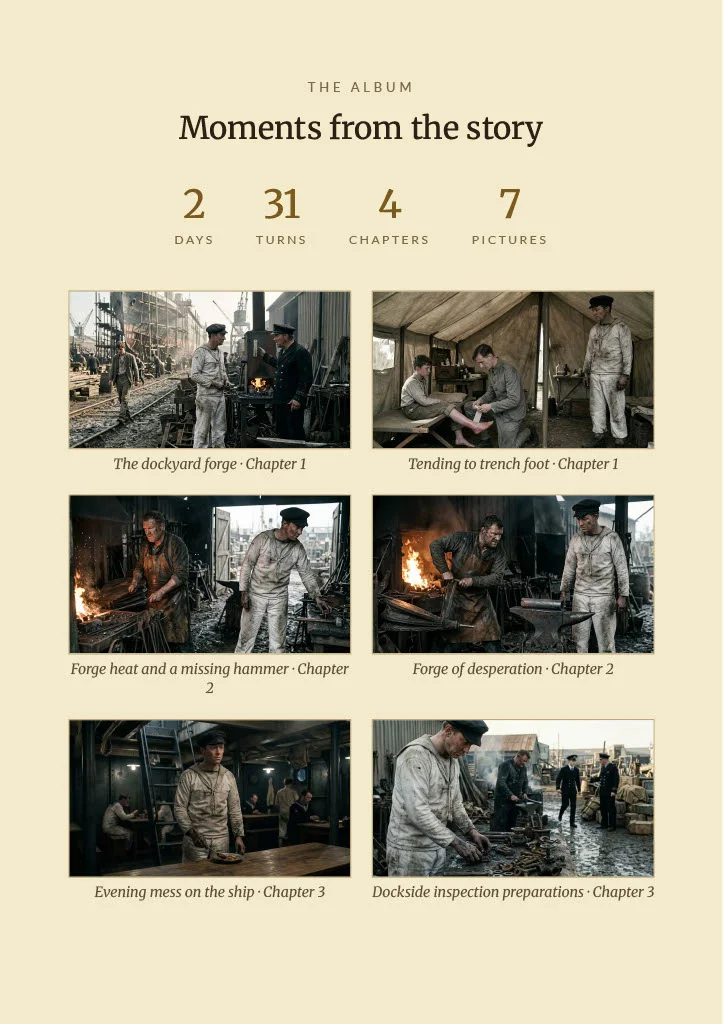
- Period Clippings & Moments: Every illustrated scene drops into the chapter where it occurred. If the press reported on your deeds, the local newspaper clipping appears on the exact day it was published.
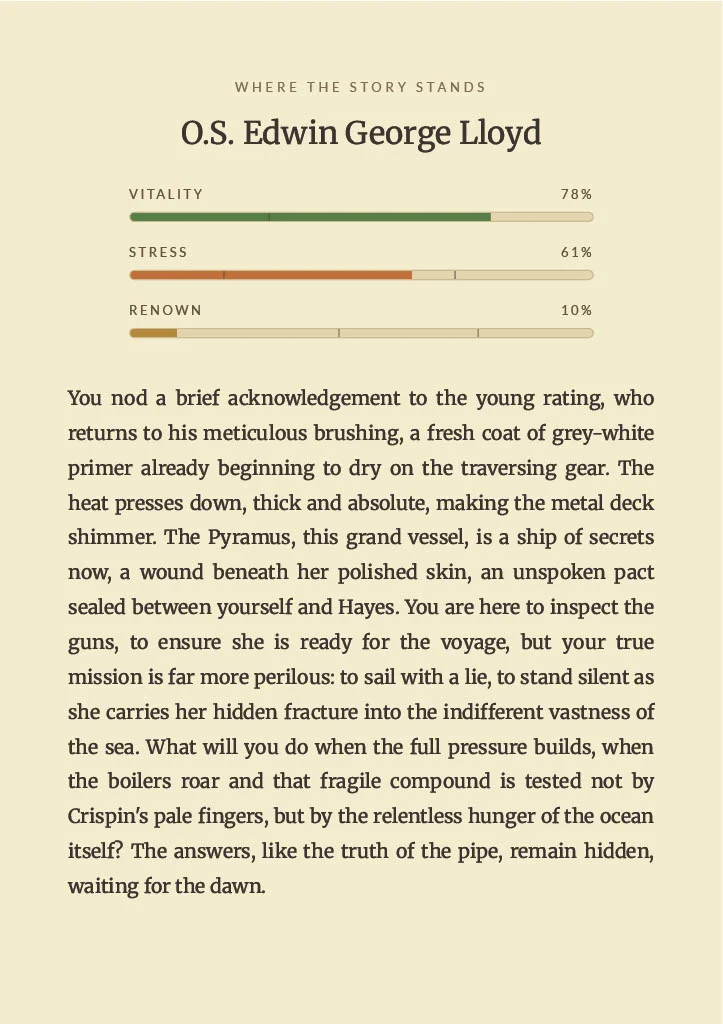
- Chapter Ledger Checkpoints: A record of how your character stood at the end of each chapter: Vitality, Stress, and Renown (or Stamina, Hubris, and Glory in Myth sagas).
- The Campaign Album & Ending: A closing tally of days survived, total turns, and illustrated scenes. If you lived, a closing page records where the story paused; if you fell, your era-appropriate obituary closes the book alongside the final moment of your life.
Press Download PDF and choose Save as PDF to get an A5 book with a full-page cover, ready to print, keep or send to the friend who doesn’t believe you survived that shipwreck. It’s rebuilt every time you open it, so it always includes your latest turns. It costs nothing, and it never uses a turn.
In the manual: The Story Book
Illustrate This Moment:
Toggle on Timekeeper Mode and every narrator reply gets an Illustrate this Moment button. Press it, and a background model (Gemini Flash-Lite) reads the passage and picks its single most striking moment: the place, the light, who’s there and what they’re doing. Google’s image model then paints it as one wide cinematic frame above the text.
- Visual Continuity: The engine references your character's portrait to maintain facial consistency and attire across generations. If the story damages your clothes or you disguise yourself, the rendering follows suit.
- One photograph, never a collage. Every image follows a strict single-camera rule: no montages, split screens or floating objects.
- It’s in your book. Every moment you illustrate appears in your Story Book, in the chapter where it happened.
It works in every story, our official ones included, on every plan. Each picture costs 3 turns from your monthly allowance, and only once the picture has been made.
In the manual: Timekeeper Mode
What you get when you create a world or a story:
Create a world with Craft Your Own World and the engine makes:
- Key art. Instead of a generic landscape, the AI reads your premise and picks one defining subject from it: a landmark, a vehicle, a creature or an everyday scene. It pairs that with a camera angle (aerial, street-level, through a doorway, a lone figure seen from behind…) and a light (dawn mist, a storm rolling in, firelight, falling snow…). If your world names a year, it’s painted with period-accurate architecture, clothing and technology.
- A spoken intro. Your world’s opening is read aloud on its page, in the same words players read.
Create a character with Forge Your Destiny and you get:
- A story poster, for the Community page and the world’s character select screen, with a varied camera angle and light so posters don’t all look the same.
- A character portrait, the face that sits in the corner of your chat and in your biography panel.
- A background for the chat.
- A spoken intro, a short opening monologue written for your character.
In the manual: Craft Your Own World & the Community · Forge Your Own Destiny
Architect (subscriber) extras:
On community worlds and stories, Architects can go further from Timekeeper Mode (our official stories keep their hand-made artwork):
- A new portrait and background for your own game. You can describe the look you want, such as “older, grey beard, scar on the left cheek”.
- Portraits of the people you meet, from their Directory card.
- Pictures of places and objects: “Picture this place” on a location and “Picture this object” on an item (in the myths: domains and relics), each with an optional description such as “at night, in heavy rain”.
- Remake a world’s key art or spoken intro, or a story’s images or intro, from its page.
The Timekeeper images cost 3 turns each, out of an Architect’s 1,000 turns a month, and only change your own game. The original world stays as its creator made it.
The Story Book and Illustrate This Moment are live now. Go and make something worth keeping, and share your favourite moment in the comments.
Thanks for reading.
See you in the past…
The Timekeeper